
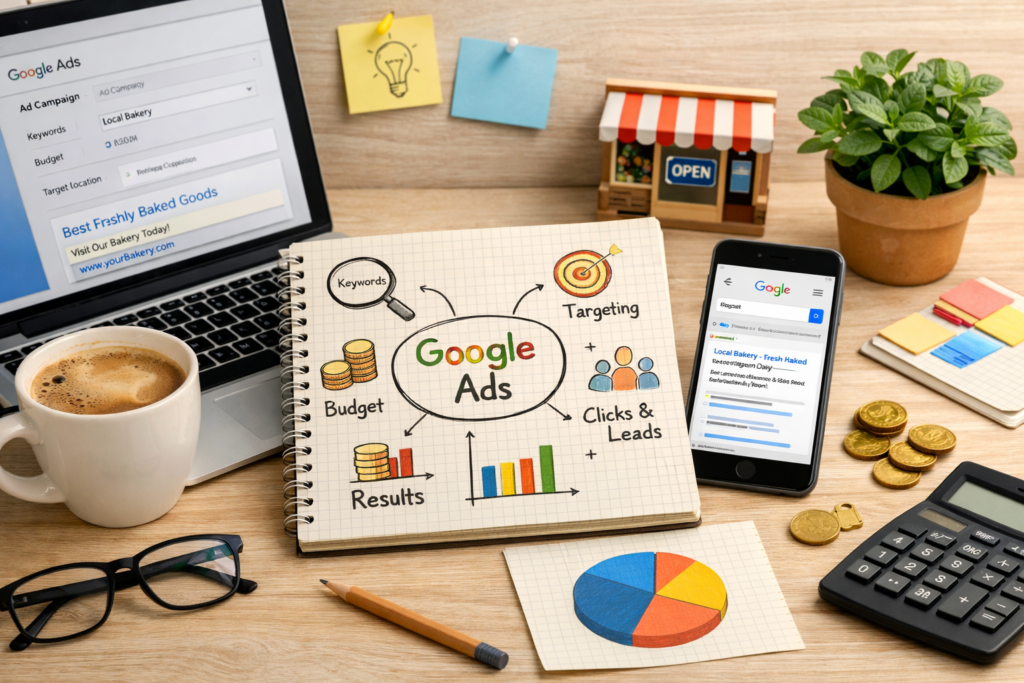
Running a small business online is more competitive than ever. Ranking organically on Google takes time, and social media marketing requires constant posting and engagement. Many businesses simply can’t wait months to start getting customers.
This is where Google Ads becomes extremely valuable.
Instead of waiting for search engine rankings, Google Ads places your business directly in front of people who are already searching for your services. It creates immediate exposure and allows even small companies to compete with larger brands.
If used strategically, Google Ads can generate website visits, phone calls, and sales within days — not months.
This guide explains how the platform works and how small businesses can use it effectively in 2026.
What Is Google Ads?
Google Ads is an online advertising system based on the pay-per-click (PPC) model. Businesses create advertisements that appear across Google’s platforms, including:
Google search results
Partner websites (Display Network)
YouTube
Google Shopping listings
Mobile applications
Advertisers choose keywords related to their products or services. When a user searches those keywords, Google may show their ad.
You only pay when someone clicks the ad — not when it is shown.
Because of this, the system focuses on performance rather than exposure alone.
How Google Ads Works for Small Businesses
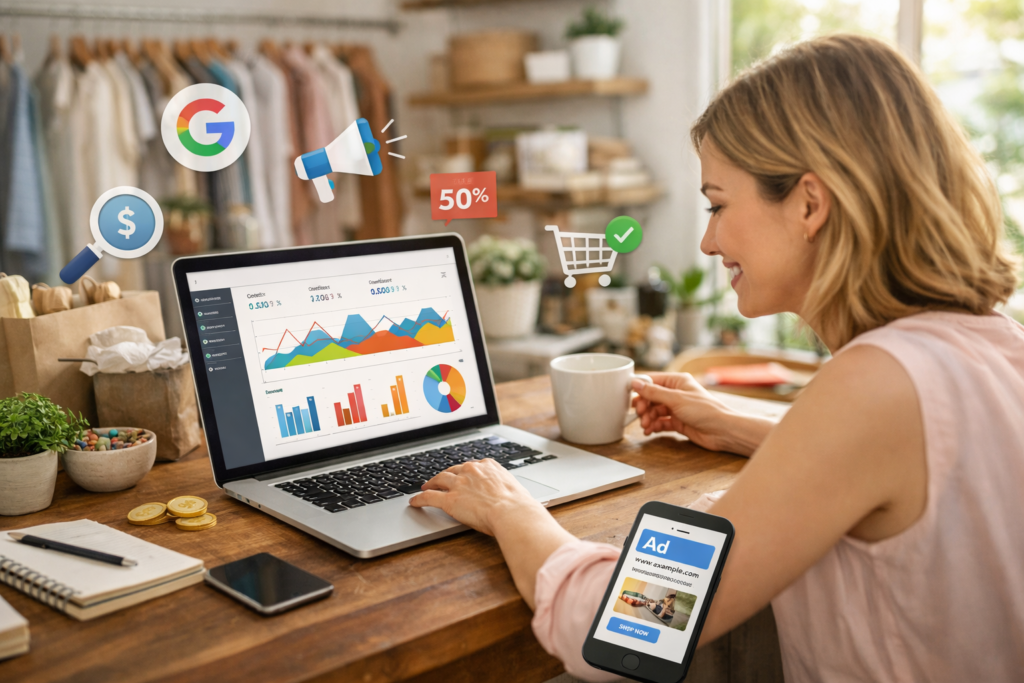
Google Ads allows small businesses to display their ads to people searching for related products or services online. Businesses select relevant keywords, create ads, and set a daily or monthly budget.
They only pay when someone clicks the ad, making it a cost-effective marketing method. This helps increase visibility, attract targeted customers, and grow sales or leads quickly.
1. Keyword Targeting
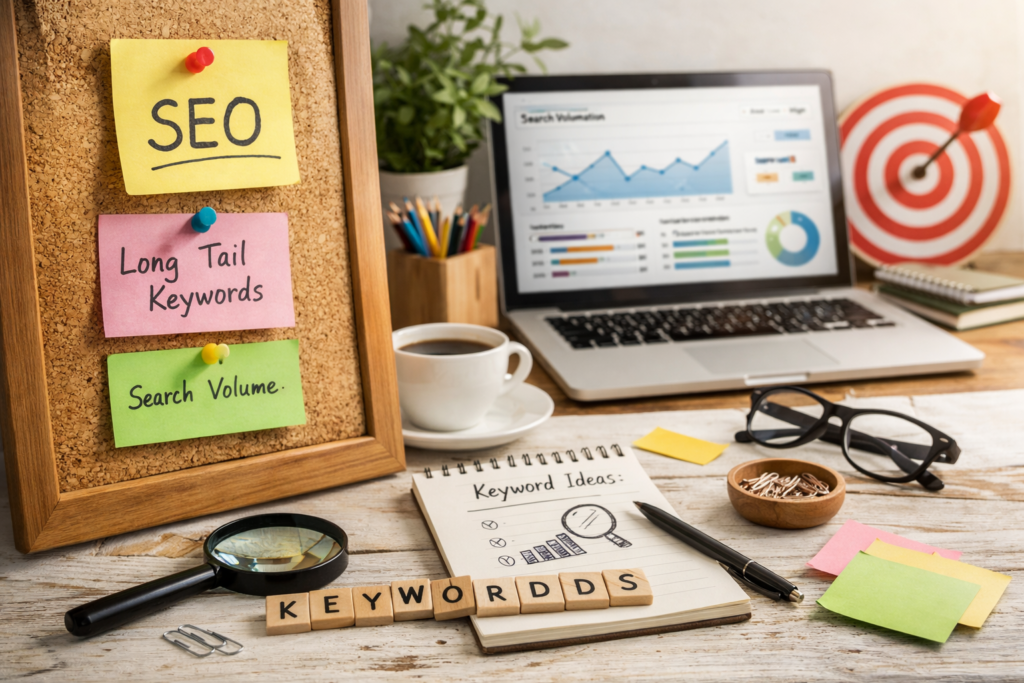
Everything in Google Ads begins with keywords.
Businesses select search phrases potential customers are likely to use, for example:
“emergency plumber near me”
“affordable website design”
“small business marketing agency”
When someone searches these terms, Google decides which ads appear.
High-intent keywords — searches made by people ready to buy — usually produce the best results.
2. The Google Ad Auction
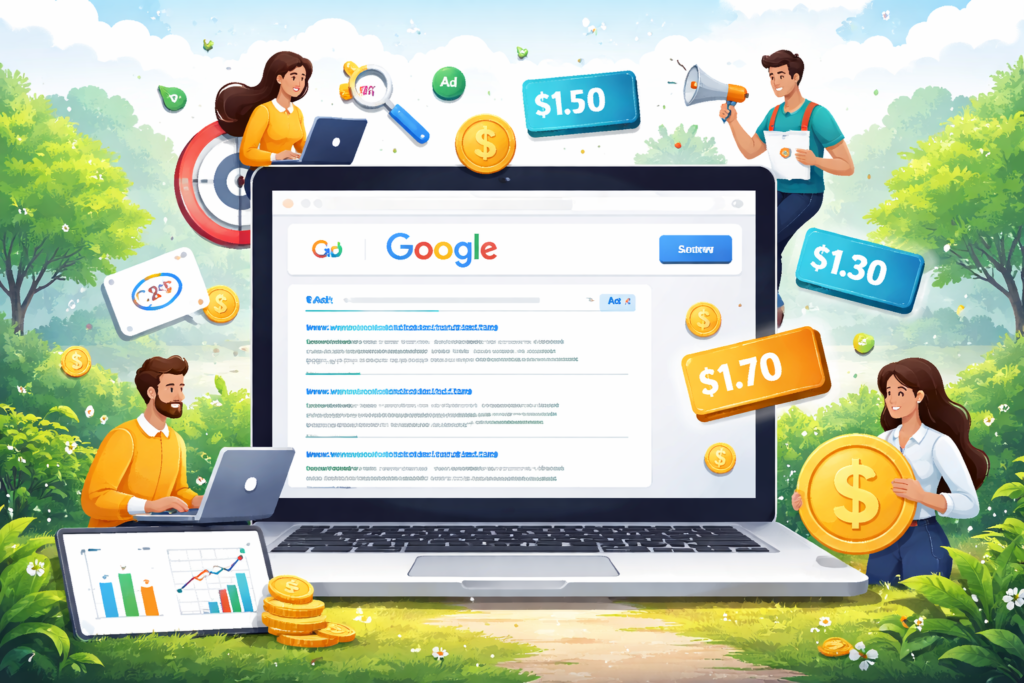
Every search triggers a live auction.
Here’s what happens:
Advertisers targeting that keyword enter the auction.
Google evaluates each advertiser.
Ads are ranked and displayed.
Winning the top position does not depend only on money.
Google calculates something called Ad Rank, which includes:
Maximum bid amount
Ad relevance
Expected click-through rate
Landing page quality
This is why small businesses can outrank large corporations — a better ad and better user experience often beats a larger budget.
3. Quality Score
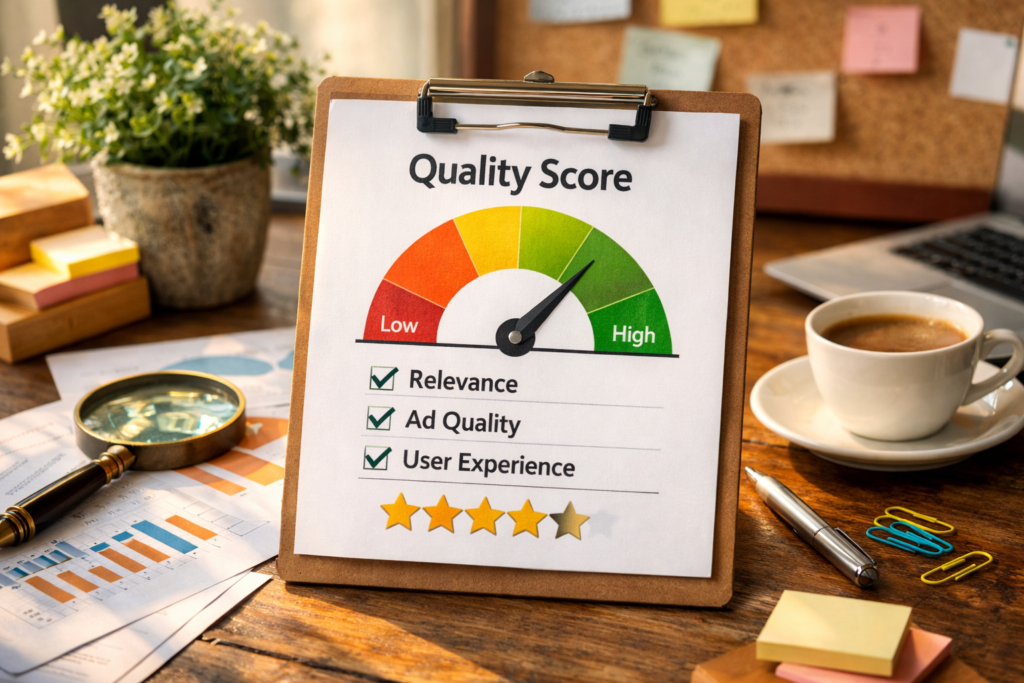
Quality Score is Google’s measurement of how useful your ad is to users.
It considers:
Relevance between keyword and ad text
Accuracy of messaging
Landing page usefulness
Expected engagement
A high Quality Score provides two major benefits:
• Lower cost per click
• Higher ad position
For small businesses, optimization is more important than spending.
4. Budget Control
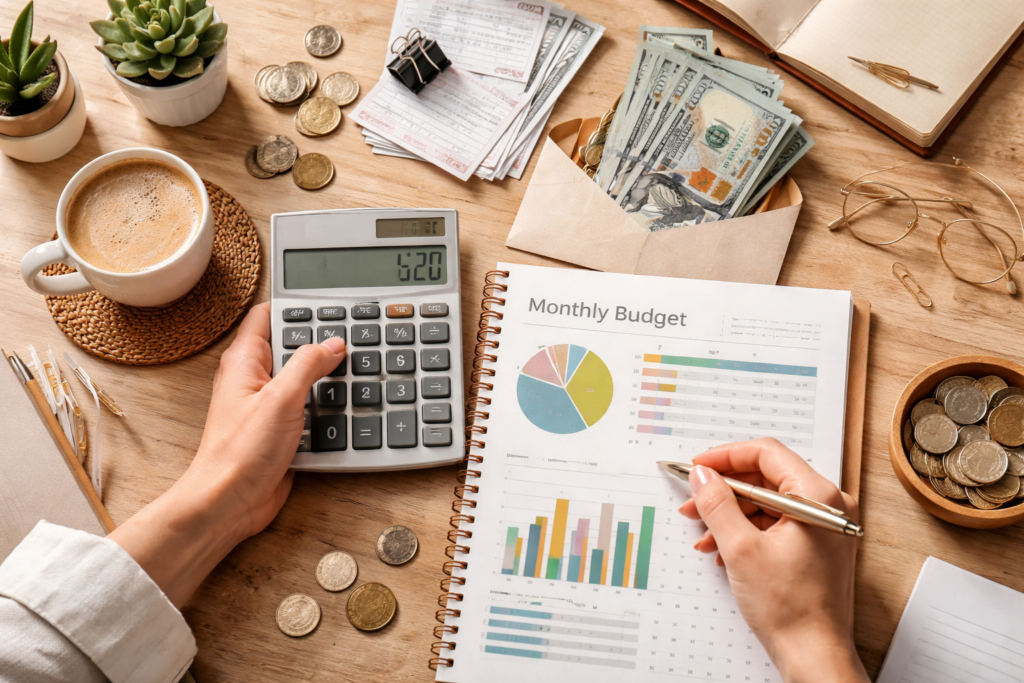
Google Ads is flexible and controllable.
You can:
Set a daily spending limit
Adjust bids anytime
Pause campaigns instantly
Increase budget only after seeing results
Unlike traditional advertising (radio, newspapers, billboards), you are never locked into a contract.
Types of Google Ads Small Businesses Can Use
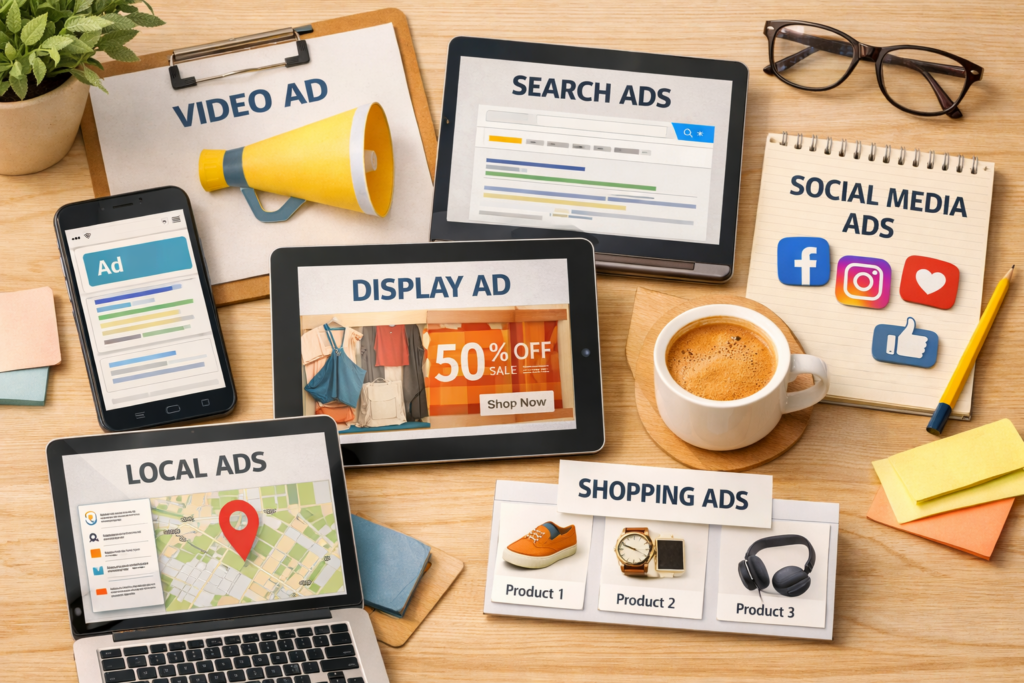
Search Ads
Text ads shown on Google search results.
Best for:
Service providers
Local businesses
Lead generation
These typically produce the highest conversion rates because users are actively searching.
Display Ads
Image ads appearing on blogs, news sites, and apps.
Best for:
Brand awareness
Remarketing
Promotions
They help customers remember your business.
Shopping Ads
Product-based ads showing images, pricing, and store details.
Best for:
Online stores
Retail businesses
They attract buyers who are already comparing products.
YouTube Ads
Video ads shown before or during YouTube videos.
Best for:
Brand building
Trust development
Audience engagement
Video content often increases credibility.
Benefits of Google Ads for Small Businesses
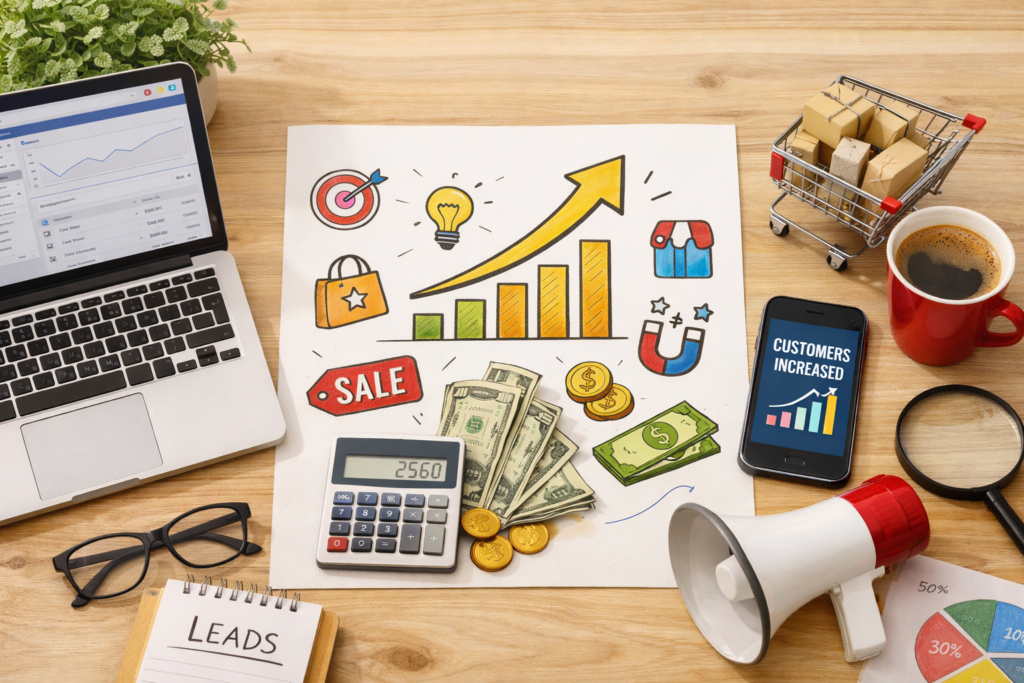
Immediate Visibility
Your business can appear on the first page within hours of launching a campaign.
Precise Targeting
You can show ads based on:
Location
Device
Age group
Interests
Search intent
Time of day
This reduces wasted spending.
Measurable Results
Google Ads tracks everything, including:
Click-through rate (CTR)
Conversions
Cost per click (CPC)
Cost per acquisition (CPA)
Return on ad spend (ROAS)
You always know whether your money is working.
Scalable Growth
Start with a small budget, test performance, then expand successful campaigns.
Step-by-Step: Running Google Ads Successfully
Start by defining a clear goal, such as increasing website traffic, generating leads, or boosting sales. Research and select relevant keywords, then organize them into focused ad groups with strong, persuasive ad copy.
Set a realistic budget and choose the right bidding strategy based on your objectives. Monitor performance regularly and optimize keywords, ads, and bids to improve results and maximize return on investment.
Step 1: Set a Goal

Choose one primary objective:
Phone calls
Leads
Sales
Traffic
Awareness
Your goal determines your strategy.
Step 2: Research Keywords
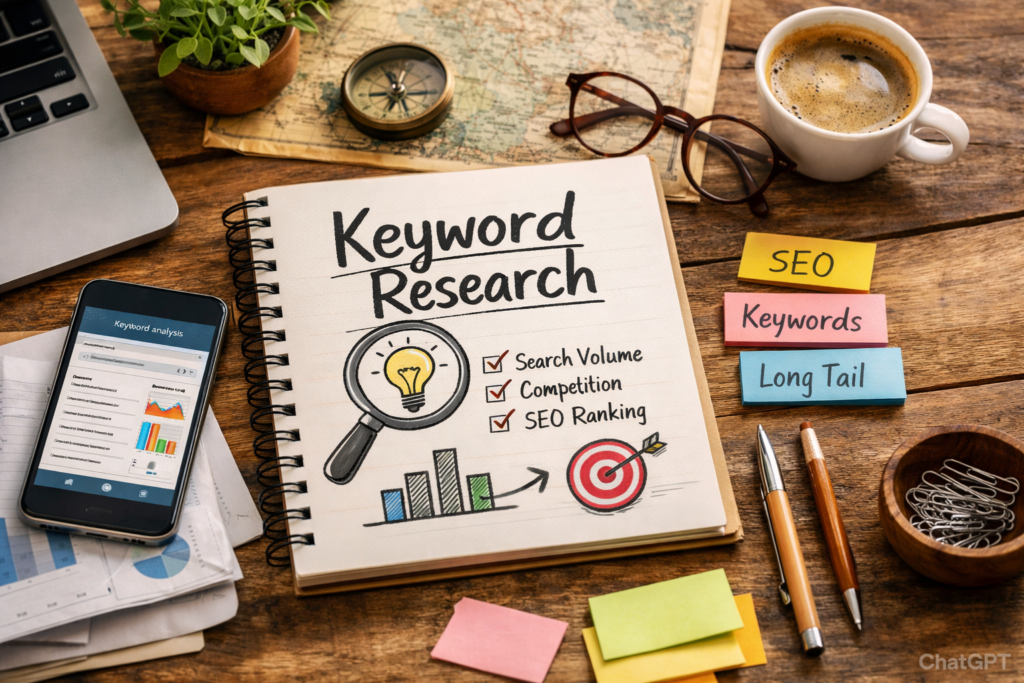
Focus on specific, purchase-intent searches rather than broad terms.
Example:
“buy running shoes online” is better than “shoes”.
Step 3: Write Strong Ad Copy
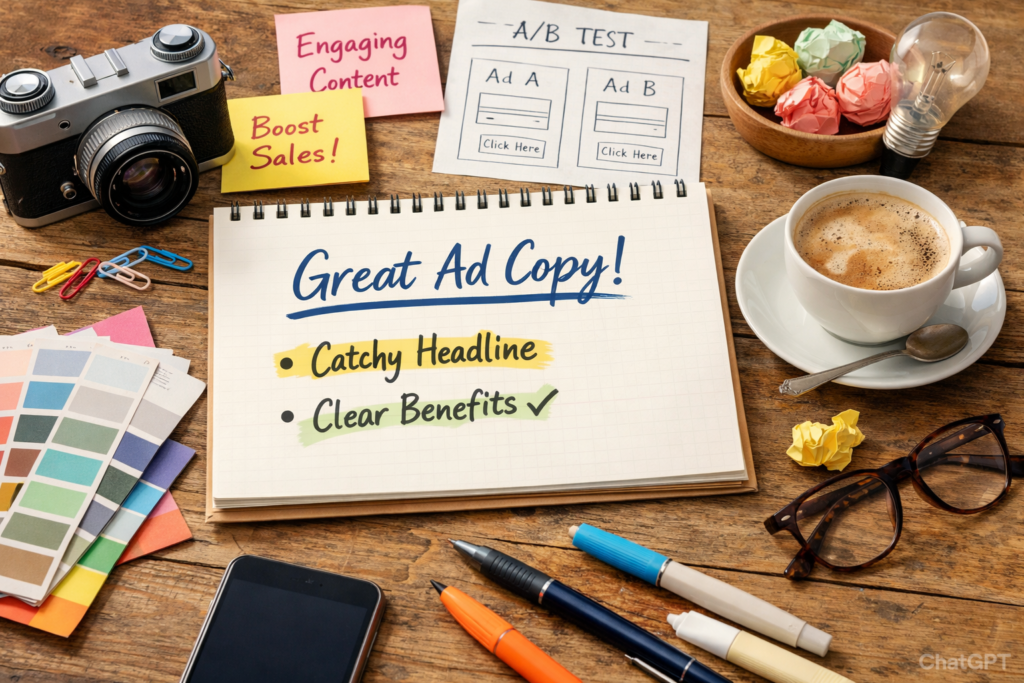
Effective ads include:
Clear benefit
Call-to-action
Relevant keywords
Trust indicators (reviews, guarantees)
Step 4: Improve the Landing Page
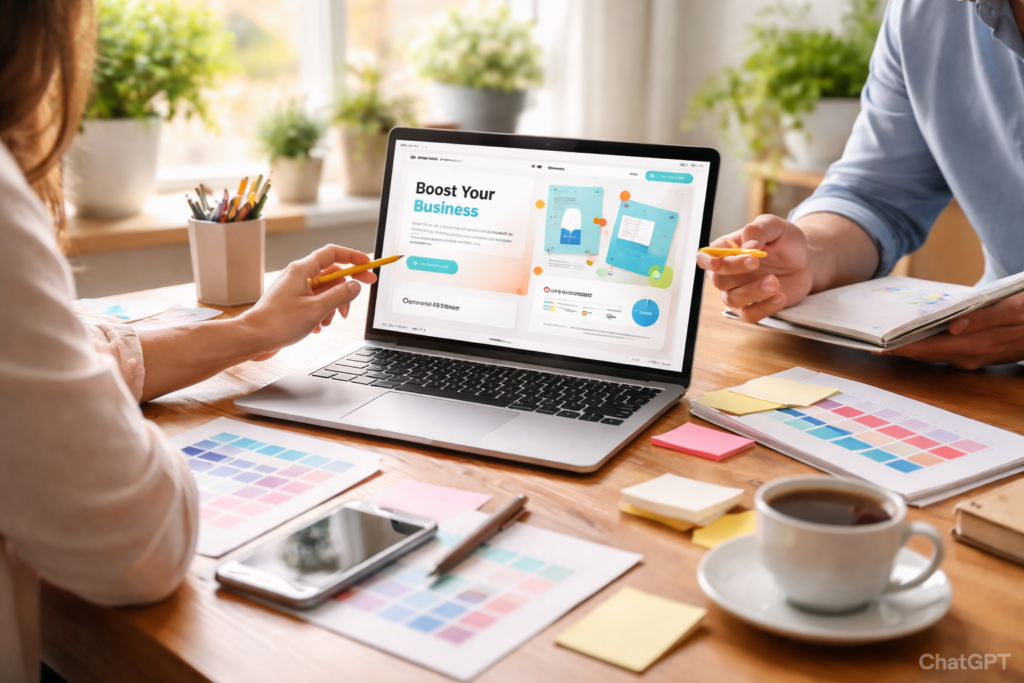
Your landing page should:
Match the ad message
Load quickly
Be mobile-friendly
Clearly explain the service
Include a visible contact button
A poor page wastes ad spend.
Step 5: Optimize Regularly

Successful advertisers continuously improve campaigns by:
Testing ad variations
Adjusting bids
Removing bad keywords
Studying conversion data
Optimization is what makes campaigns profitable.
Common Mistakes to Avoid
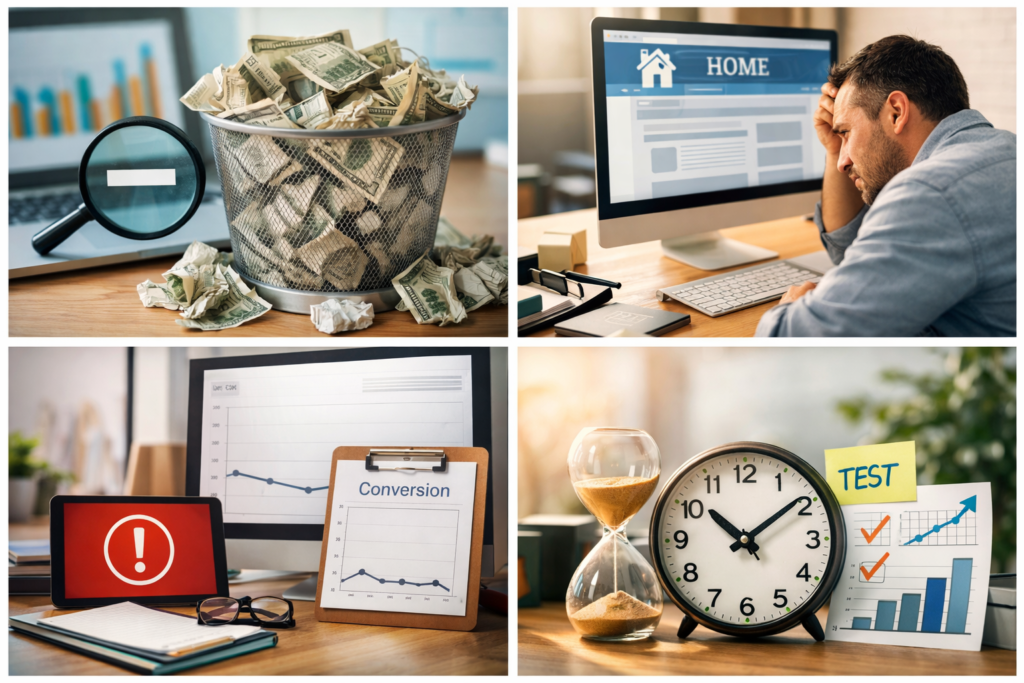
Using overly broad keywords – attracts irrelevant visitors
Skipping negative keywords – wastes budget
Sending users to homepage – lowers conversions
No conversion tracking – prevents improvement
Stopping campaigns too early – data needs time
Patience and testing are essential.
How Much Should a Small Business Spend?
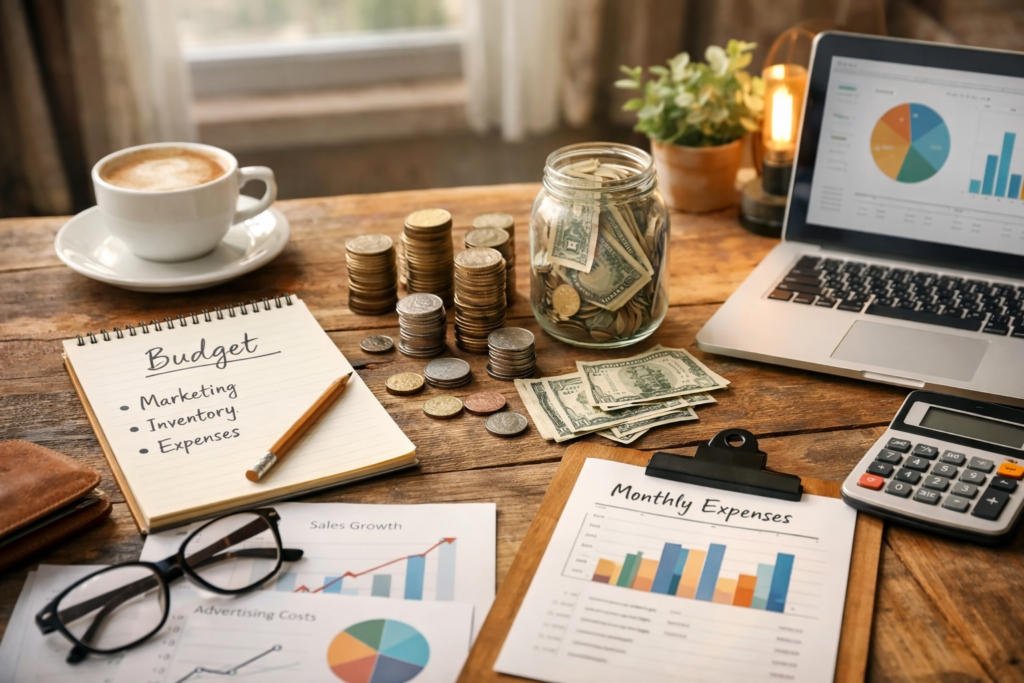
There is no universal budget.
Costs depend on:
Industry competition
Location
Keyword pricing
Business goals
Many businesses begin with a small test budget and increase spending only when they see positive return.
Success in Google Ads is based on efficiency, not size of budget.
Google Ads vs SEO
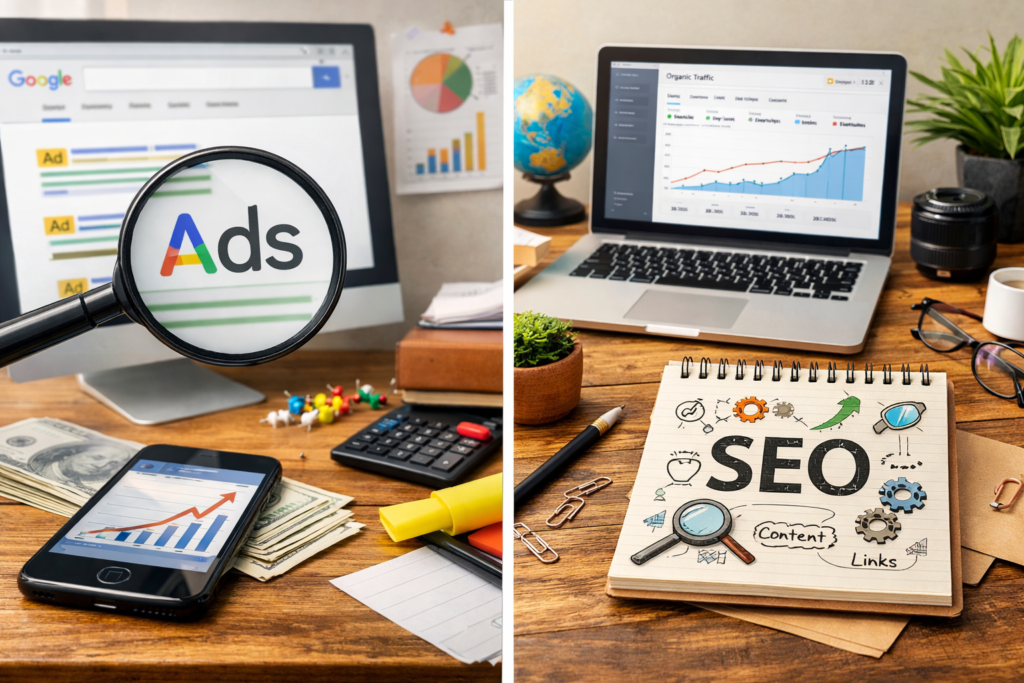
Both are important but serve different purposes.
Google Ads
Fast results
Paid traffic
Precise control
Immediate testing
SEO
Long-term traffic
Authority building
Sustainable growth
Lower long-term cost
The strongest strategy combines both — ads bring instant leads while SEO builds lasting visibility.
Frequently Asked Questions
Are Google Ads worth it for small businesses?
Yes. When properly optimized, Google Ads deliver measurable and scalable growth.
How quickly can results appear?
Ads can begin generating traffic within hours of launch.
Is Google Ads expensive?
Costs vary by industry, but budget control allows small businesses to start affordably.
Do I need professional management?
While beginners can run campaigns, professional management improves ROI and reduces wasted spend.
Final Thoughts
Understanding how Google Ads work for small businesses empowers smarter marketing decisions.
Google Ads offer:
- Immediate visibility
- Precise targeting
- Measurable ROI
- Budget flexibility
- Scalable growth
For small businesses competing in crowded markets, Google Ads provide a powerful shortcut to visibility — when used strategically.
Success depends on:
- Clear goals
- Smart keyword targeting
- High-quality ads
- Optimized landing pages
- Ongoing analysis
Google Ads are not just an expense — they are an investment in controlled growth.