
Many businesses focus heavily on content creation and link building while neglecting technical SEO—the core framework that allows all other SEO efforts to perform effectively. If a website is not technically optimised, even high-quality content can struggle to rank, and search engines may face difficulty crawling, indexing, or properly interpreting pages.
A well-defined technical SEO checklist for business websites ensures that your site remains fast, accessible, secure, and fully optimised for both users and search engines. This guide outlines every critical technical SEO factor businesses should review, improve, and maintain to achieve sustainable search performance.
What Is Technical SEO?

Technical SEO involves optimising the backend structure of a website so search engines can easily crawl, index, and rank its pages. Unlike on-page SEO, which focuses on content, or off-page SEO, which builds authority, technical SEO ensures everything functions smoothly behind the scenes.
Technical SEO influences:
- Website performance and speed
- Crawlability and indexation
- Mobile usability
- Website security
- Site architecture
- Overall user experience
Without a solid technical foundation, other SEO strategies produce limited results.
Why Technical SEO Matters for Business Websites

Search engines favour websites that load quickly, work seamlessly across devices, and offer a secure browsing experience. Technical SEO enables businesses to:
- Increase search visibility
- Minimise crawl and indexation issues
- Improve user engagement
- Support higher rankings
- Boost conversion rates
For business websites, technical SEO is a necessity—not an option.
Technical SEO Checklist for Business Websites
Below is a complete checklist businesses should follow to maintain strong technical SEO performance.
1. Website Crawlability and Indexation

Search engines must be able to access and index your website without issues.
Checklist
- Ensure search engines can crawl your site
- Review robots.txt for blocked pages
- Submit an XML sitemap to search engines
- Remove unintended “noindex” tags
- Confirm important pages are indexable
Proper crawlability allows search engines to find and rank your content efficiently.
2. Site Structure and URL Optimisation

A clear website structure helps both users and search engines navigate content easily.
Checklist
- Use short, descriptive URLs
- Avoid unnecessary URL parameters
- Organise content into clear categories
- Keep key pages within three clicks of the homepage
- Implement breadcrumb navigation when appropriate
A logical structure improves crawl efficiency and user experience.
3. Website Speed and Performance Optimisation

Page speed is a confirmed ranking factor and a major contributor to user satisfaction.
Checklist
- Compress and optimise images
- Enable browser caching
- Minify CSS, JavaScript, and HTML files
- Choose a reliable hosting provider
- Use a content delivery network (CDN)
- Remove unnecessary plugins and scripts
Faster websites lower bounce rates and increase conversions.
4. Mobile-Friendliness and Responsive Design

With mobile-first indexing, search engines primarily assess the mobile version of your website.
Checklist
- Implement responsive design
- Ensure text is readable without zooming
- Optimise navigation for mobile users
- Avoid intrusive pop-ups on mobile
- Test across multiple screen sizes
Mobile usability directly impacts rankings and engagement.
5. Secure Website (HTTPS)
Security plays a key role in trust and SEO performance.
Checklist
- Install and maintain an SSL certificate
- Ensure all pages load via HTTPS
- Redirect HTTP URLs to HTTPS
- Fix mixed content issues
Secure websites build user trust and improve search credibility.
6. Core Web Vitals Optimisation
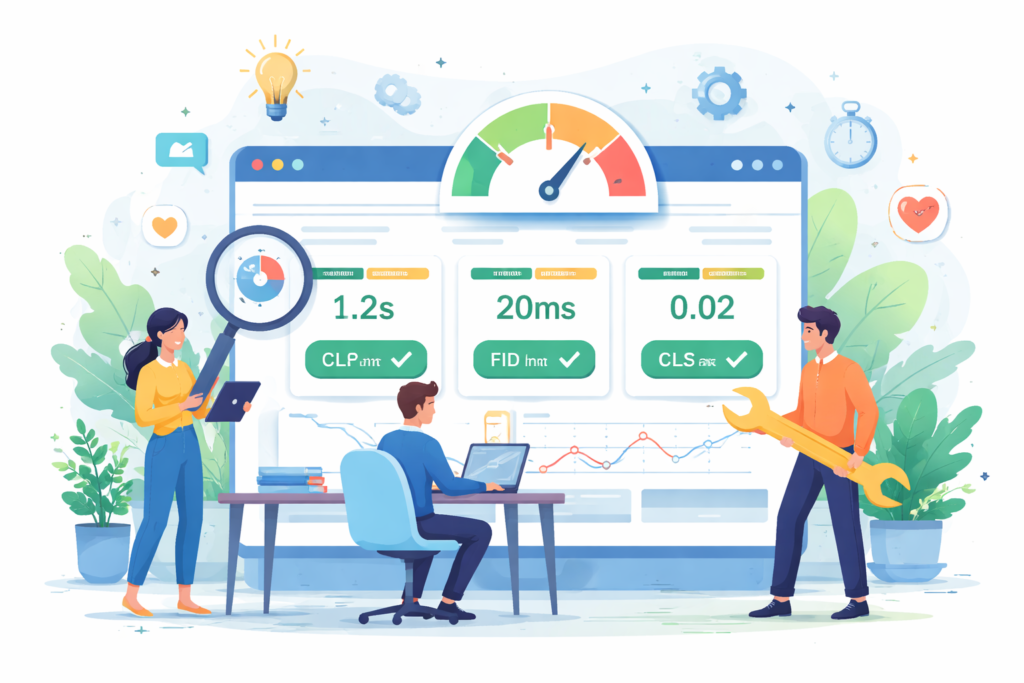
Core Web Vitals measure real-world user experience signals.
Checklist
- Improve Largest Contentful Paint (LCP)
- Reduce First Input Delay (FID) or Interaction to Next Paint (INP)
- Minimise Cumulative Layout Shift (CLS)
- Monitor performance using analytics tools
Strong Core Web Vitals contribute to better rankings and user satisfaction.
7. Internal Linking and Crawl Depth

Internal links help search engines understand content importance and relationships.
Checklist
- Internally link important pages
- Eliminate orphan pages
- Use relevant and descriptive anchor text
- Maintain a logical internal linking structure
Effective internal linking improves crawl efficiency and ranking distribution.
8. Duplicate Content Management

Duplicate content can confuse search engines and weaken ranking signals.
Checklist
- Use canonical tags correctly
- Avoid multiple URLs serving the same content
- Manage pagination properly
- Prevent duplicate category or tag pages
Clear signals help search engines rank the correct page version.
9. Structured Data and Schema Markup

Structured data provides additional context to search engines.
Checklist
- Implement relevant schema types
- Add business, product, and FAQ schema where applicable
- Test structured data with validation tools
- Fix detected errors
Schema markup can enhance visibility through rich search results.
10. Image Optimisation

Images affect both page speed and search visibility.
Checklist
- Use descriptive image file names
- Add relevant alt text
- Compress images without losing quality
- Use modern image formats where possible
Optimised images improve load speed and accessibility.
11. Error Management (404 Pages and Redirects)
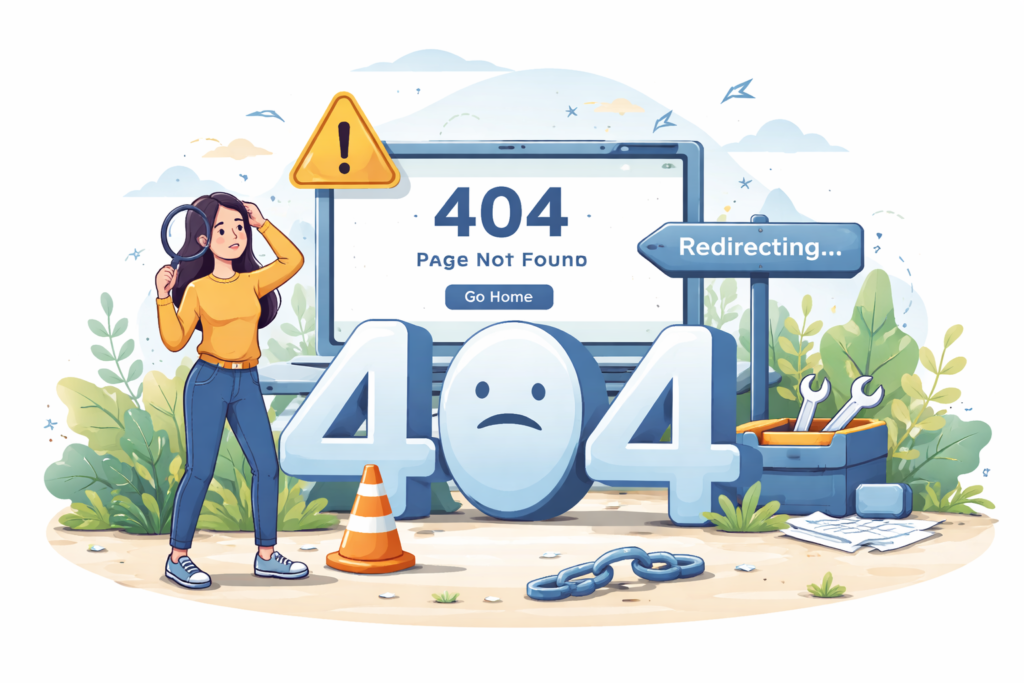
Broken pages negatively impact user experience and crawl efficiency.
Checklist
- Fix broken internal links
- Use 301 redirects for removed or moved pages
- Avoid redirect chains and loops
- Create user-friendly 404 pages
Proper error handling protects usability and rankings.
12. XML Sitemap and Robots.txt Optimisation

These files guide search engine crawlers.
Checklist
- Keep the XML sitemap updated
- Include only valuable pages
- Exclude duplicate or low-value URLs
- Ensure robots.txt does not block important content
Correct setup improves crawl efficiency.
13. JavaScript SEO Considerations

JavaScript-heavy websites can create crawling challenges.
Checklist
- Ensure key content loads correctly
- Use server-side rendering when necessary
- Avoid hiding critical content behind scripts
- Test page rendering using search engine tools
Optimising JavaScript prevents indexing issues.
14. International and Multilingual SEO

Businesses targeting multiple regions need accurate technical configurations.
Checklist
- Implement hreflang tags correctly
- Use region-specific URLs
- Avoid duplicate content across languages
- Ensure accurate language targeting
Proper implementation prevents ranking conflicts.
15. Ongoing Technical SEO Monitoring

Technical SEO requires continuous attention.
Checklist
- Monitor crawl errors regularly
- Track site performance metrics
- Perform technical audits quarterly
- Update optimisations as the website grows
Ongoing maintenance supports long-term performance.
Common Technical SEO Mistakes Businesses Make
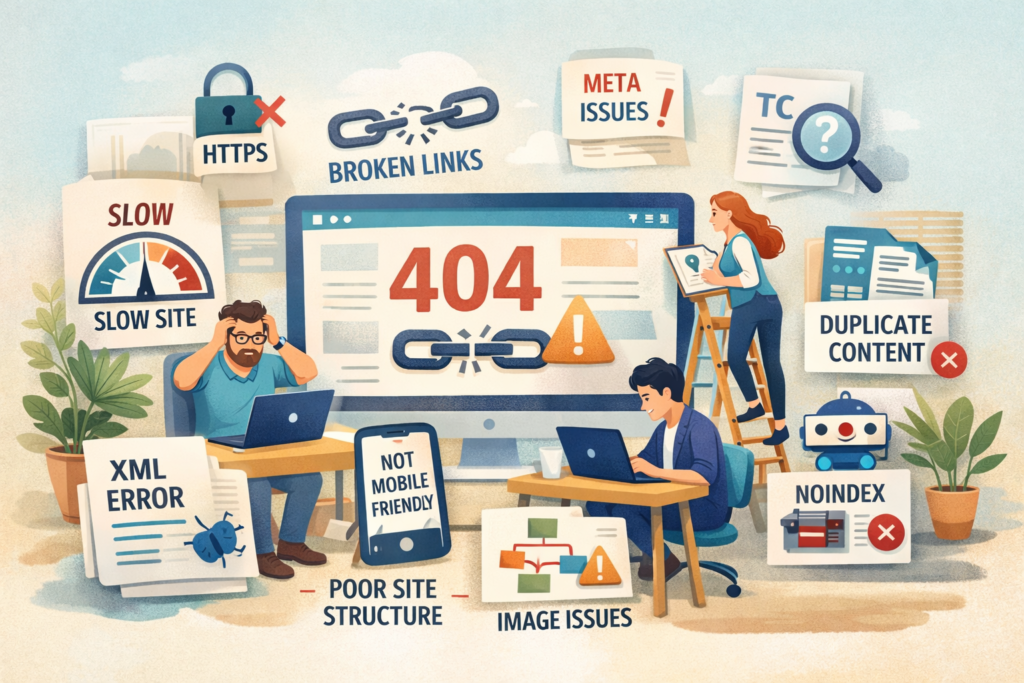
Businesses often harm their SEO by:
- Skipping technical audits
- Allowing website speed to decline
- Neglecting mobile optimisation
- Incorrectly using canonical tags
- Ignoring security updates
Avoiding these issues protects rankings and growth.
How Long Does Technical SEO Take to Show Results?

Technical SEO improvements can begin showing results within a few weeks to a few months. Enhanced crawlability, faster load times, and improved user experience gradually lead to better rankings and traffic.
Over time, these improvements compound as search engines build trust in your website.
Technical SEO Checklist for Business Websites
Technical SEO forms the foundation of strong search performance. Without a technically optimised website, even excellent content and backlinks cannot perform at their best.
By following this technical SEO checklist for business websites, businesses can improve crawlability, speed, security, and user experience—creating a solid base for sustainable growth.
Technical SEO isn’t just about rankings—it’s about building a website that works smoothly for both users and search engines.